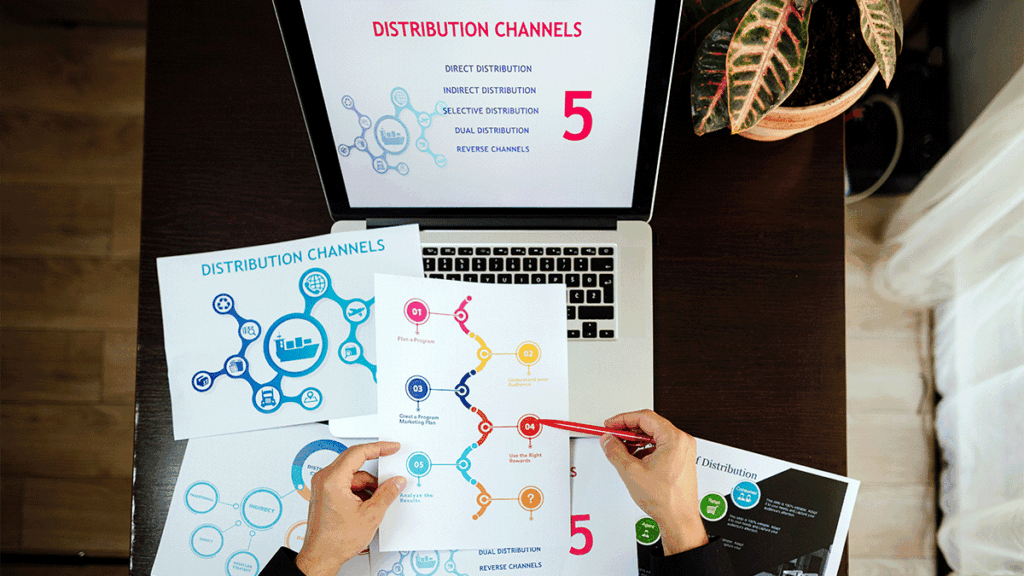
Building linkable infographics on a budget


Against the backdrop of fleeting attention spans and extremely competitive demands for eyeballs, infographics have been an incredibly powerful method for targeting audiences and gaining backlinks. Infographics are easily attention-grabbing resources that distill rich information into bite-sized formats; such resources are highly sharable and organically linkable. However, for most businesses—who are smaller startups, bloggers, and shops—the perceived cost of infographic creation can be an enormous turnoff.
The good news? It won’t cost an arm and a leg to produce linkable infographics. With appropriate strategy, some outside-the-box thinking, and the right toolkit, slimmer content teams can create infographics that not only seem produced at scale but also bring about SEO victories via organic backlinks.
Keep reading to discover how you can create cheap, high-quality infographics that are attention-grabbing and link-attracting without sacrificing on quality and blowing through your marketing budget.
Why Infographics Are Still Effective in 2025
Infographics have persevered for so long in online marketing because all three of the following tend to appeal both to humans and search engines: information, narrative, and visual design. Latest statistics show that image-enhanced articles are 94% more likely to be viewed than articles made up from only text, and infographics are 30 times more likely to be read than full articles.
Infographics are visual centerpieces incorporated into content marketing campaigns, through which brands can:
Simplify complex topics
Earn editorial backlinks
Boost on-page engagement
Increase social shares
Although short-form video remains popular, infographics continue to work well for image search, improve dwell time, and are timeless resources that can be reused across multiple channels.
The Infographic Power of Building Links
Understanding Linkable Assets
In search marketing, a linkable asset is an article of content created to attain backlinks organically. Infographics are linkable assets when they are:
Data-rich: Offering original/curated data that are applicable and relevant
Visually striking: Designed to be visible at first glance
Most topical: Trends most associated with trends today and/or timeless trends
Easily embeddable: Simple to embed on other websites
Done correctly, infographics can earn links from high-authority websites like news networks, industry blogs, and education portals—and boost your domain authority and organic rankings.
The Budget Barrier Myth
People tend to believe quality infographics require expensive software, qualified artists, or a hefty design budget. These are all good things for completing the final piece, but you don’t require them. With available tools and strategic thinking, you can design infographics that punch well above their weight.
Planning Your Budget-Friendly Infographic Strategy
Set a Clear Purpose
Before you dive into design, determine the intention behind your infographic. Ask:
What problem does it solve?
For whom is it written?
What would you like for the viewer to do?
Whether you want to create backlinks, boost brand awareness, or educate your customer base, there must be an intended purpose such that every element of an infographic works towards a central message.
Choose an Issue that Has Link-Worthy Potential
The topic you choose will determine how linkable and sharable your infographic will be. Focus on topics that:
Are statistically rich or data-driven
Align with sector-specific pain points
Cover perennial themes like productivity, sustainability, or ICT adoption
Highlight trends or future predictions for your niche
Use tools like Google Trends, BuzzSumo, and Ahrefs Content Explorer to look for content that is already demonstrating strong performance—and determine gaps where you can fill in visually.
Gathering and Organizing Your Data
Use Reliable and Publicly Available Data
In crafting a budget, it can be impractical to procure original research. Luckily, there are plenty of publicly sourced data from sources like:
Statista
Pew Research
Government databases (e.g., data.gov, WHO, UNESCO
Industry reports
Academic journal articles (through Google Scholar)
Ensure sources are credible and cite them accordingly—it not only establishes trust but also lends credibility to your article.
Structure for Storytelling
Once you have your information, build it into an narrative framework. Rather than simply listing information, you can ask:
What can be concluded from this data?
How does it contribute to central theme?
What should be taken away from the viewer?
Develop an approximate storyboard or outline of how information will advance from start to finish. This will then inform the designer (or you, if you are designing) to convert that plan visually.
Design Without Breaking the Bank
Free and Budget-Friendly Design Tools
There are no necessity for an expert graphic designer or Adobe Illustrator to create an effective infographic. Consider these affordable resources:
Canva: Offers infographic templates, easy-to-use drag-and-drop functionality, and free design elements.
Piktochart: Specifically created for infographics with integrated data visualization tools.
Venngage: Excellent for data visualizations and easily customizable themes.
Visme: Ideal for interactive charts and infographics.
These software also have free versions endowed with sufficient functionalities to create professional-quality images, mostly for those who have little design expertise.
Designer’s Tips for Non-Designers
To make your infographic visually appealing:
Utilize a limited color palette (2-3 fundamental colors)
Use consistent fonts and hierarchy for readability
Employ icons and charts to break up text
Create white space to avoid visual crowding
Optimize for mobile viewing, especially for social media infographics
Make sure that the design directs the eyes of the viewer through information organically using arrows, numbering, or sections.
Optimizing for SEO and Sharing
File Optimization and Alt Text
Optimize infographic image prior to posting:
Use descriptive filenames (e.g., remote-work-trends-2025-infographic.png)
Compress the file to reduce load times using software like TinyPNG
Use keyword-rich alt tags for image search optimization
Create an Embeddable Version
Use an embed code generator (like Siege Media’s Embed Code Generator) so that others can easily embed your infographic on their own websites. Add a credit link back to your original page to garner backlinks.
Promoting Your Infographic for Backlinks
Reaching Out on Purpose
Discover websites, blogs, and journalists who have written similar material. Advertise your infographic by highlighting:
The reasons why it’s significant to them
What unique advantage it offers
How it augments their original content
Individualized outreach defeats mass emailing. Add a short, attention-grabbing message, an infographic teaser, and the embed code.
Submit to Infographic Directories
There are many directories and websites where you can submit infographics for free or at low cost, including:
Visual.ly
Infographic Journal
SlideShare
Subreddits (such as r/data)
They get you more visibility and occasionally even organic backlinks.
Leverage Social Media and Communities
Post your infographic on platforms like LinkedIn, Pinterest, and Twitter and provide short and captivating descriptions. Create platform-specific updates and use corresponding hashtags. For example:
On LinkedIn, pair it with an insightful post or data point
On Pinterest, use vertical formatting and keyword-heavy descriptions
On Twitter/X, tweet threads breaking down sections of your infographic
Also, you can publish it on niche networks like Facebook Groups, Slack groups, or subreddits where your perfect customer is active.
Repurposing Infographics for Higher ROI
Infographics are goldmines for repurposing themselves. These are some of the ways you can get more use from each and every one:
Chunk it into micro-posts for Instagram or LinkedIn
Convert sections into carousel slides
Add them to blog entries as visual elements
Convert it into a short explainer video using an animation program like Lumen5
Use it in email marketing campaigns for increased engagement
It increases the visibility and durability of your infographic and multiplies its chances for backlinks and shares.
Real-World Examples of Low-Budget Infographic Wins
Case Study 1: Viral Visual of A Solo Blogger
One of these bloggers created an infographic, “The 50/30/20 Budget Rule Explained Visually,” on Canva using publicly sourced information. It was shared on Reddit and financial blogs, and it obtained over 100 backlinks, including from Lifehacker and NerdWallet.
Case Study 2: Data Curation for Startup Success
One SaaS firm aggregated data from several reports on trends for remote work, graphed them on Piktochart, and published the infographic alongside an article. Strategic outreach to HR websites and technology publications resulted in backlinks on TechRepublic and SHRM.
Conclusion
It is not only possible but also affordable, scalable, and extremely rewarding to produce linkable infographics on a shoestring budget. What you require is to pick high-potential ideas, use free design resources, search optimize, and promote intentionally. Even without an on-staff designer and an extensive marketing department, you can produce infographics that are attention-grabbing for your target audiences and attain authoritative backlinks.
In an oversaturated world of content, at times it isn’t about flashy visuals, but rather savvy, strategic ones. So you happen to be a solopreneur, digital marketer, or content strategist? It’s time to put infographics at the top of your link-building tactics—but without blowing a hole through your finances.