How to find reliable wifi when traveling off the grid

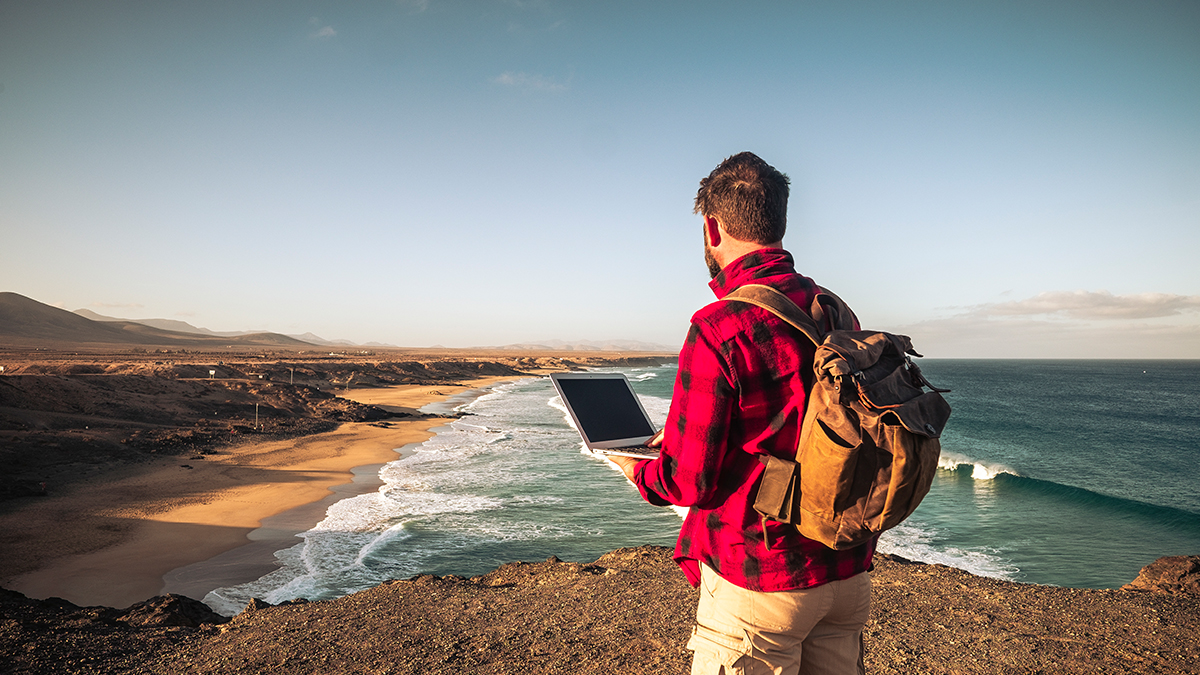
For many travelers, the idea of “going off the grid” evokes images of untouched wilderness, starry skies, and freedom from constant pings and notifications. Yet for today’s generation of digital nomads, remote workers, content creators, and safety-conscious adventurers, staying connected is not a luxury—it’s essential. Whether you’re uploading content, joining a client meeting, or messaging loved ones, finding stable WiFi—or any usable internet connection—in remote areas is a complex challenge that blends technology, logistics, and creativity.
This article explores practical methods and tools to help you maintain reliable internet access even in isolated, off-grid locations. From satellite systems and mobile hotspots to power management, signal boosters, and security best practices, you’ll find strategies to help you stay online wherever your travels take you—without sacrificing the freedom of the wild.
Understanding the Challenges of Off-Grid Connectivity
Before diving into solutions, it’s crucial to understand why staying connected off-grid is so challenging and what natural and technical barriers you’re up against.
Geographic and Line-of-Sight Limitations
Terrain is one of the biggest obstacles to connectivity. Mountains, forests, valleys, and even man-made structures can block or weaken signals. Both satellite and long-range cellular systems require clear visibility to the transmitter—whether that’s a satellite or a distant cell tower. In deep valleys or dense forests, even high-end equipment can struggle to maintain a connection.
Power Constraints
Off-grid living means no reliable access to the electrical grid. Any connectivity system must therefore operate on limited power—often solar, battery, or generator-based. You can’t leave high-powered routers or satellite dishes running constantly without draining your energy reserves. Efficient energy management becomes as important as the connection itself.
Latency and Data Limits
Even if you do connect, latency and data restrictions can limit performance. Geostationary (GEO) satellites, for example, have significant lag due to the vast distance signals must travel. Providers may also throttle speeds once data caps are reached. For real-time activities like video calls or online gaming, this lag can be a dealbreaker.
Cost and Equipment Overhead
High-end remote internet setups aren’t cheap. Satellite dishes, routers, boosters, and antennas can be costly, and subscriptions, installation, and maintenance add to the expense. Balancing cost, performance, and redundancy is key to keeping your setup practical.
Core Technologies for Remote Connectivity
Reliable off-grid internet usually relies on a combination of satellite, cellular, and hybrid systems.
Satellite Internet — Global Coverage, Anywhere You Go
Satellite internet remains the most dependable choice in areas with no terrestrial infrastructure. As long as you have an open sky, you can usually get connected—even in the world’s most remote regions.
Starlink and Low Earth Orbit (LEO) Satellites
Starlink has transformed remote internet access with its network of low Earth orbit satellites. These satellites offer much lower latency compared to older geostationary ones, enabling stable streaming, video calls, and even gaming for travelers. Portable kits like Starlink Mini make it easier than ever to bring broadband-level connectivity on the road. However, it still requires clear sky visibility, draws considerable power, and comes with steep equipment and subscription costs.
Geostationary Satellite Systems
Older providers such as HughesNet and Viasat operate from geostationary orbit. They deliver widespread coverage but at the cost of higher latency—often around 600 milliseconds—and limited data caps. These are viable for low-bandwidth tasks like emails or browsing but unsuitable for high-interaction work.
Choosing the Right Satellite Setup
If you rely heavily on video conferencing or cloud collaboration, a LEO-based system like Starlink is ideal. For lighter tasks, traditional GEO satellites suffice. Always review hardware costs, installation fees, and power requirements before committing.
Cellular and Mobile Internet Options
Wherever cellular coverage exists, it can often be optimized for off-grid use.
Mobile Hotspots and MiFi Devices
Portable hotspots, often called MiFi devices, turn cellular data into WiFi. Compact and travel-friendly, they’re essential tools for van lifers and campers. Their convenience, however, depends entirely on your distance from a cell tower—no signal means no connection.
External Antennas and Signal Boosters
To extend reach, many travelers use directional antennas or signal boosters to capture weak signals from miles away. Mounted on poles or roof racks, these tools can transform a faint signal into a usable one.
Combining Multiple Carriers (Aggregation)
For serious reliability, advanced setups use multi-WAN routers that accept SIM cards from different carriers—like T-Mobile, AT&T, and Verizon—and automatically switch between them. Some users even combine Starlink with cellular as a backup system to ensure continuous coverage.
Fixed Wireless and Rural Internet
In certain regions, providers offer fixed wireless or rural 4G/5G plans that function like traditional broadband via an external antenna. Though availability is limited, they can deliver consistent speeds in rural areas.
Hybrid Strategies and Redundancy
Off-grid connectivity is never one-size-fits-all. A hybrid setup that layers satellite, cellular, and caching methods ensures resilience.
Failover and Load Balancing
Routers with multi-WAN capabilities can automatically switch between internet sources when one fails (failover) or distribute usage between multiple sources (load balancing). This prevents downtime and ensures high availability.
Caching and Offline Operation
Preload essential content—maps, emails, documents—before entering no-signal zones. Schedule large uploads or updates during strong connection windows. Smart bandwidth management can make even limited connections feel seamless.
Traffic Prioritization
Assign priority to important activities like video calls and postpone nonessential updates or downloads until you have a stronger connection.
Power and Installation Considerations
Staying connected means staying powered.
Power Management
Devices like Starlink dishes and routers draw significant power, often tens of watts. Build a system—using solar panels, lithium batteries, or generators—that can handle daily consumption plus a safety margin. Schedule devices to power down during idle hours to conserve energy.
Mounting and Protection
Proper installation is crucial. Satellite dishes require precise alignment and clear visibility. Secure mounts against wind and vibration, and ensure weatherproofing, grounding, and lightning protection for safety.
Durability and Testing
Extreme temperatures, dust, and moisture can destroy equipment. Use ruggedized hardware and enclosures rated for outdoor conditions. Test your system thoroughly before deployment—simulate your power usage, connectivity loads, and backup transitions to identify weaknesses early.
Security and Privacy in Remote WiFi Access
When working beyond the safety of managed networks, security becomes even more vital.
Use a VPN
Always route your internet traffic through a trusted Virtual Private Network (VPN). It encrypts your data and prevents potential eavesdropping on public or unsecured connections.
Strong Authentication
Use routers that support WPA3 (or at least WPA2) encryption, disable default credentials, and segment your network so guests can’t access private devices.
Limit Attack Exposure
Disable unnecessary services, keep firmware up-to-date, and block unused ports. Configure firewall rules to prevent unauthorized access.
Monitor and Alert
Use router monitoring apps to detect unusual activity. Some routers can automatically disconnect suspicious devices—an essential defense in remote setups.
Real-World Use Cases and Lessons
Van Life and Overlanding
Van-based nomads often rely on Starlink as their main connection, with cellular service as a backup. However, tree cover can block satellites, so many travelers plan campsites based on sky visibility. Solar panels and lithium batteries are essential for powering their systems through nights and cloudy days.
Remote Cabins and Eco-Retreats
Some eco-lodges and cabins install community WiFi using solar-powered satellite setups. For example, Everest Link in Nepal provides internet to high-altitude villages and base camps. Still, speeds can be slow and costs high, so travelers often bring their own hotspots for backup.
Extreme Expeditions
In the world’s most remote regions, where even satellites struggle, explorers depend on Iridium or Inmarsat satellite phones for basic messaging and emergency communication. These are expensive but vital safety nets.
Traveler Insights
A Reddit user in an RV forum noted: “In truly remote areas, Starlink is your only real option.” Others recommend pairing cellular boosters with Starlink for a balanced, cost-effective setup. Across communities, one consistent lesson emerges: never rely on a single method.