How to Use Apps to Track Your Spending


Introduction: Why Spending-Tracking Apps Matter More Than Ever
In an era where digital payments dominate and the cost of living keeps rising, staying aware of where your money goes is no longer a luxury—it’s a necessity. Cashback cards and loyalty programs may help stretch your money, but without clarity on your actual spending, even the best perks can mask unhealthy financial habits.
This is where spending-tracking apps step in. They don’t just record your transactions—they give you a clear picture of your habits, help you make better choices, and often reveal savings opportunities you didn’t even know existed.
In 2025, with inflation still nibbling at budgets and income streams becoming less predictable, tracking your spending has shifted from “nice-to-have” to “must-have.” From classic tools like Mint, which simplifies ledger management, to newer players like Plum and Copilot that use automation and AI, these apps make tracking effortless and actionable. Choosing and setting up the right one could be the single most important step toward financial control.
The Advantages of Tracking Everyday Spending with Apps
Visibility and Accountability: Seeing Your Money Flow
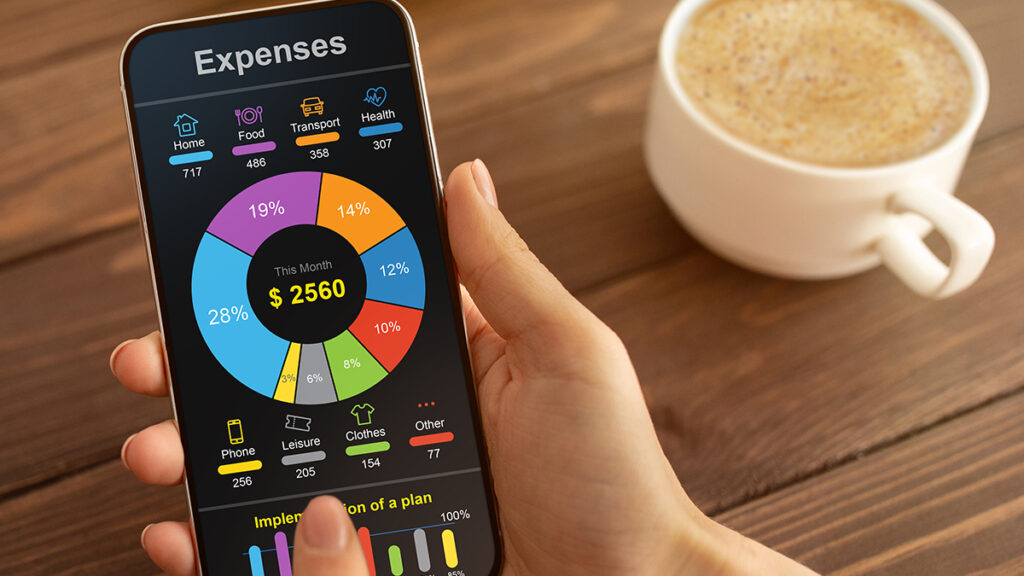
One of the most powerful effects of a spending-tracking app is sheer visibility. When payments are made through credit cards, wallets, or subscription auto-debits, it’s easy for expenses to slip under the radar. Apps like Mint organize your transactions by category, generate spending summaries, and highlight trends.
For example, you might discover that you’re spending twice as much on takeout as you thought, or that a forgotten subscription has been draining your account for months. This kind of visibility forces you to confront reality, which is the first step to changing it.
Automation That Saves Mental Energy
Manual expense logging is a chore—and a chore you’re likely to abandon. That’s why automation is so valuable. Apps like Copilot use AI-powered categorization, auto-rules, and predictive suggestions to organize your finances with minimal input from you.
Plum takes a different approach—its playful, rule-based savings triggers (like automatically saving a set amount on rainy days) build your savings without conscious effort. Over time, these micro-adjustments compound into serious results—some users report saving thousands almost without noticing.
Flexibility and Custom Insights
There’s no one “correct” way to budget, and the best apps reflect that. Whether you prefer envelope budgeting with tools like Goodbudget, zero-based budgeting with YNAB, or customizable dashboards like those offered by Monarch, the right app should fit your style, not force you into a rigid framework.
That flexibility allows you to align your tracking with your personal goals—whether you’re working toward early retirement, saving for a major purchase, or simply reducing overspending.
Choosing the Right App: Matching Your Style and Goals
Core Auto-Tracking and Insights
If you want to link your accounts and get instant clarity, Mint remains a classic choice. It automatically connects with thousands of banks and credit card providers, categorizes spending, and generates monthly insights—perfect if you want a passive overview without diving deep into micromanagement.
Hands-On Frameworks with Full Control
For those who enjoy total budgeting precision, You Need a Budget (YNAB) offers a highly structured approach. Based on its “four rules,” it ensures every dollar (or rupee) is assigned a job. This method fosters a more intentional relationship with money, turning unexpected costs into manageable adjustments rather than crises.
Automation and AI for Effortless Saving
If you want the app to do the heavy lifting, Copilot Money applies AI to learn how you categorize transactions and offers tailored suggestions. Plum, with its quirky rules and behavioral nudges, can grow your savings with minimal attention. These tools are ideal for people who want progress without frequent manual input.
Budgeting for Couples or Families
Managing money as a couple or family introduces extra complexity. Honeydue makes collaboration easy by letting partners share budget visibility while maintaining individual privacy. Goodbudget syncs envelope categories across devices, so everyone knows where the grocery, travel, or entertainment budget stands in real time.
For Spreadsheet Enthusiasts
If you prefer the control of Excel but want automation, Tiller combines customizable Google Sheets or Excel templates with real-time bank syncing. Banktivity is another powerful option for Mac users, offering multi-currency tracking, portfolio management, and cloud sync. These options appeal to DIY budgeters who enjoy deep analysis.
Setting Up Your App for Success
Link Accounts and Categorize Early
Start by connecting your checking accounts, credit cards, and digital wallets. Most apps can pull in up to three months of transaction history, giving you an instant starting point. Spend some time customizing categories so they’re meaningful to you—rename “Miscellaneous” to “Coffee” if that’s where the money’s going.
Apps like Copilot will learn from your edits, making future categorization almost effortless.
Calibrate Budgets and Alerts
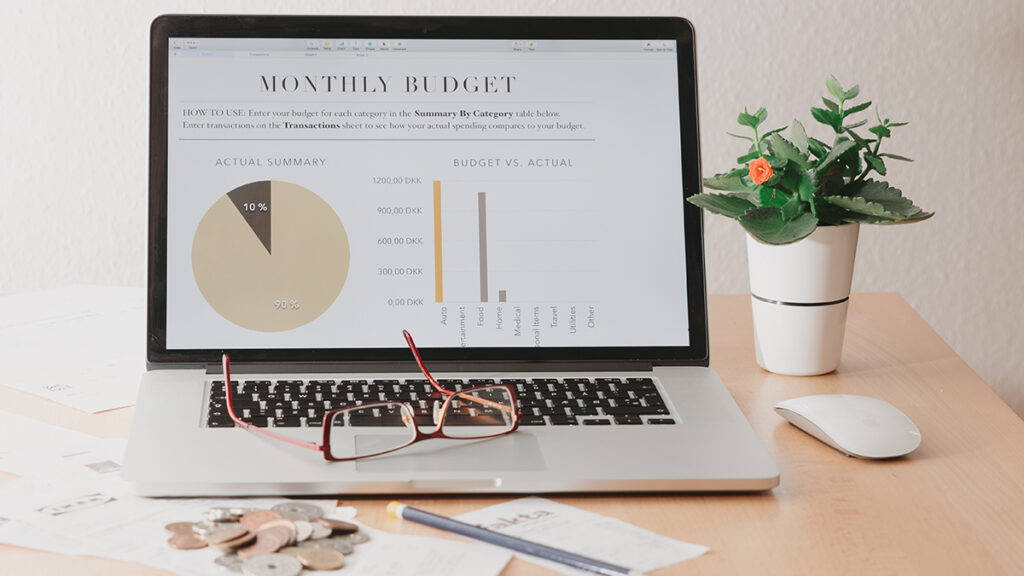
Once your transactions are organized, set realistic budgets. Mint lets you create category-specific spending limits with alerts when you’re close to overspending. Goodbudget uses envelope caps. Plum can move extra funds from under-budget categories straight into savings automatically.
Review Regularly—but Not Obsessively
Checking your app every single day can lead to burnout. Weekly or monthly reviews strike a healthier balance. Look for surprises: Did utilities spike? Did you spend less on dining than usual? These insights let you tweak your habits and budgets without becoming a slave to constant monitoring.
Real-Life Wins Through Tracking
Many users share stories of how spending apps have transformed their financial awareness.
One Reddit user praised Copilot Money for its clean design and powerful insights, saying it helped them catch spending leaks they’d never noticed before. A longtime YNAB user credited the app’s rule-based approach with shifting them from reactive to proactive financial management.
Perhaps most impressively, some Plum users report saving more than £6,500 a year just from small, automated savings rules—proving that tracking paired with automation can deliver life-changing results.
Avoiding Common Pitfalls
Tracking Every Penny (and Burning Out)
Hyper-detailed tracking can be overwhelming. Instead of logging every snack purchase, focus on big-picture categories like groceries, transportation, and entertainment. Apps can still provide alerts for unusual spending without creating “data fatigue.”
Neglecting Privacy and Security
Because these apps often require bank credentials, security matters. Stick to providers with strong encryption, two-factor authentication, and transparent data policies. Your financial clarity is worthless if your security is compromised.
App Fatigue and Abandonment
It’s common to start strong with an app only to let it fade into the background. Prevent this by choosing a tool that fits your natural habits—hands-on planners thrive with YNAB, automation lovers stick with Plum, and spreadsheet fans stay engaged with Tiller.
Conclusion: Turning Tracking into Financial Freedom
Spending-tracking apps are more than just digital ledgers—they’re clarity tools. They transform scattered, hard-to-follow transactions into a clear financial picture. They automate good habits, make course corrections easier, and remove the guesswork from your money decisions.
In a world where budgets are under pressure and every dollar counts, awareness is the foundation of financial freedom. The right app won’t just track your spending—it will change the way you think about money.